
For internal video teams
Management software made for video teams.
Spend your week creating campaigns, not managing spreadsheets. T6FV unifies disconnected workflows into one centralized platform, freeing your team to maximize their creative output and eliminate administrative friction.
Built for town halls, executive messages, HR onboarding and every campaign in between.
The in-house reality
Hired to create.
Forced to admin.
Your internal video unit is built to produce high-impact work, but their capacity is capped by a disjointed workflow. A team might share a master schedule, but the producer’s pitch decks, the crew’s shoot logistics, and the editor’s feedback loops all exist in isolated silos. Without a single source of truth connecting pre-production directly to post, your crew wastes crucial production hours just trying to get on the same page.
Generic trackers that don’t hold actual production data
Set logistics and creative assets scattered across folders
Juggling a different app for every stage of production
T6FV puts your entire back-office into one production hub so you can stop wrestling with administrative friction and focus on producing great work.
See what’s inside →Live demo
See how T6FV works
Pick a Blueprint and watch it build a whole production binder, then share it as a client link. Everything in the window is clickable.
Plan, shoot, review, and deliver in one hub.
T6FV replaces fragmented corporate software with a system built for how creative content actually gets made.
01Production Management
Run complex video productions through a purpose-built system.
The live Project Binder ties your creative brief, workback schedule, call sheet, scenes, shoot days, deliverables and more, together in one space. Your producers, film crew, editors and corporate partners all collaborate from the same real-time source of truth, built around the actual moving parts of a video job.
Start here
Select a Blueprint below and click Activate
02Budgets & Internal Chargebacks
Track your team’s time and resources.
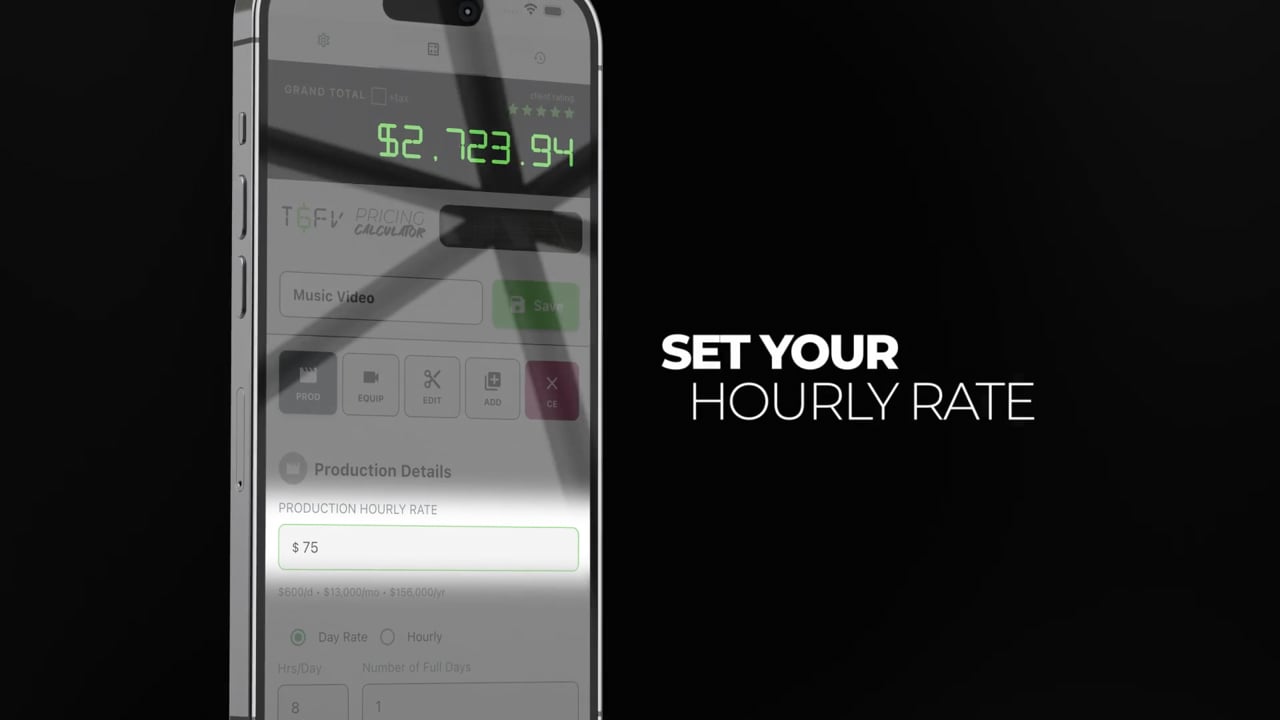
T6FV gives your team a central schedule where they can easily block time needed for every task. Once your time and equipment are mapped out, the built-in Pricing Calculator creates clear cost estimates. You can instantly turn these into internal invoices, making it simple to process department chargebacks or justify your production costs to leadership.
03Content Review
Gather precise, actionable feedback directly from other departments.
Send internal stakeholders secure, password-protected links to review your work directly in their browser, requiring zero app installations or account setups. Reviewers can pause the video to leave exact, timecoded notes that you can import straight into your editing timeline as markers, ensuring a seamless post-production workflow.

04Stakeholder Management
Maintain project scope and hit every project deadline.
Establish clear alignment from day one with workback schedules that map out team and client responsibilities alongside the requesting department’s due dates. Secure formal stakeholder sign-offs on the project scope so everyone fully understands the included deliverables, required resources, and timeline structures before production begins.
Every export link carries your logo and colour, and links back to your portfolio and your intake form.

05Gear Management
Track company-owned equipment across concurrent shoots.
Organize your gear room with scannable QR codes so you always know exactly which case and shelf an item belongs on when the job wraps. Your team can book specific kits for upcoming shoot dates and check the master calendar to instantly see what is currently out on location and what is available for the next production.
06Internal Showcase & Project Intake
Turn completed work into a visual catalog, with project intake built in.
Quickly generate a stunning portfolio that updates automatically from the projects you are already logging. A built-in contact form provides other departments with a standardized, frictionless way to submit project requests and book discovery meetings directly through your page.

When Jordan from HR sends the form, the request lands in the team's Messages inbox in the T6FV app.
07Blueprints
Standardize your workflows for every town hall, executive message, and campaign.
Save your most successful, repeatable workflows as Blueprints. When a new project request arrives, a single click activates your template to instantly build your shot lists, populate your equipment requirements, assign task pipelines, and generate your pricing structure. This immediate setup allows your team to scale organizational output and jump directly into production.


The toolbox
A full video toolbox.
One shared language.
Every tool in T6FV syncs with your master project so your team never does the same work twice. Each tool is powerful enough to use on its own, and seamlessly integrated when you need the whole system.
Artificial intelligence
A first draft in minutes, with AI
Describe your vision and let AI instantly generate a structured first draft, complete with a shot list, a workback schedule and a treatment, so you can skip the tedious setup and get right to the creative execution.
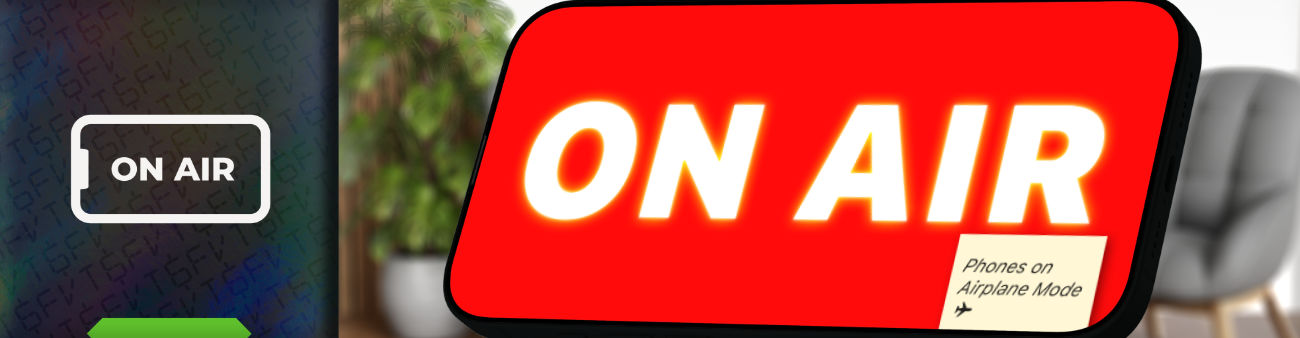
Run it locally, completely offline
Eliminate corporate data security concerns with built-in AI models that execute directly on your hardware. Your prompts and generated materials never leave your device, ensuring unreleased campaigns and internal IP remain strictly in-house.
Bring your enterprise AI assistant
Does your organization mandate a specific AI platform? T6FV automatically structures highly-detailed prompts based on your project data. Simply run the prompt through your company’s approved system to keep your IP entirely secure, then drop the results back into the app to instantly populate your project.
01. Describe the vision
Just a sentence or two about the video you’re making.
02. Generate the structure
A complete shot list, schedule and treatment populate in seconds.
03. Make it yours
Keep what works, tweak the rest, and watch the entire project adapt.